Full-resolution processing stays on iPhone.
Frame selection, alignment, compositing, and tone work run on the device. There is no developer account system.

Moon & night sky camera
Moonshot Cam guides exposure planning, frame selection, alignment, and compositing for the Moon and night sky. The full-resolution work stays on your iPhone.
Built for the subject
Bright lunar detail, faint stars, long trails, brief meteors, and a circular eyepiece all need different capture decisions. Pick the subject; the app adapts the flow.
Actual app screens
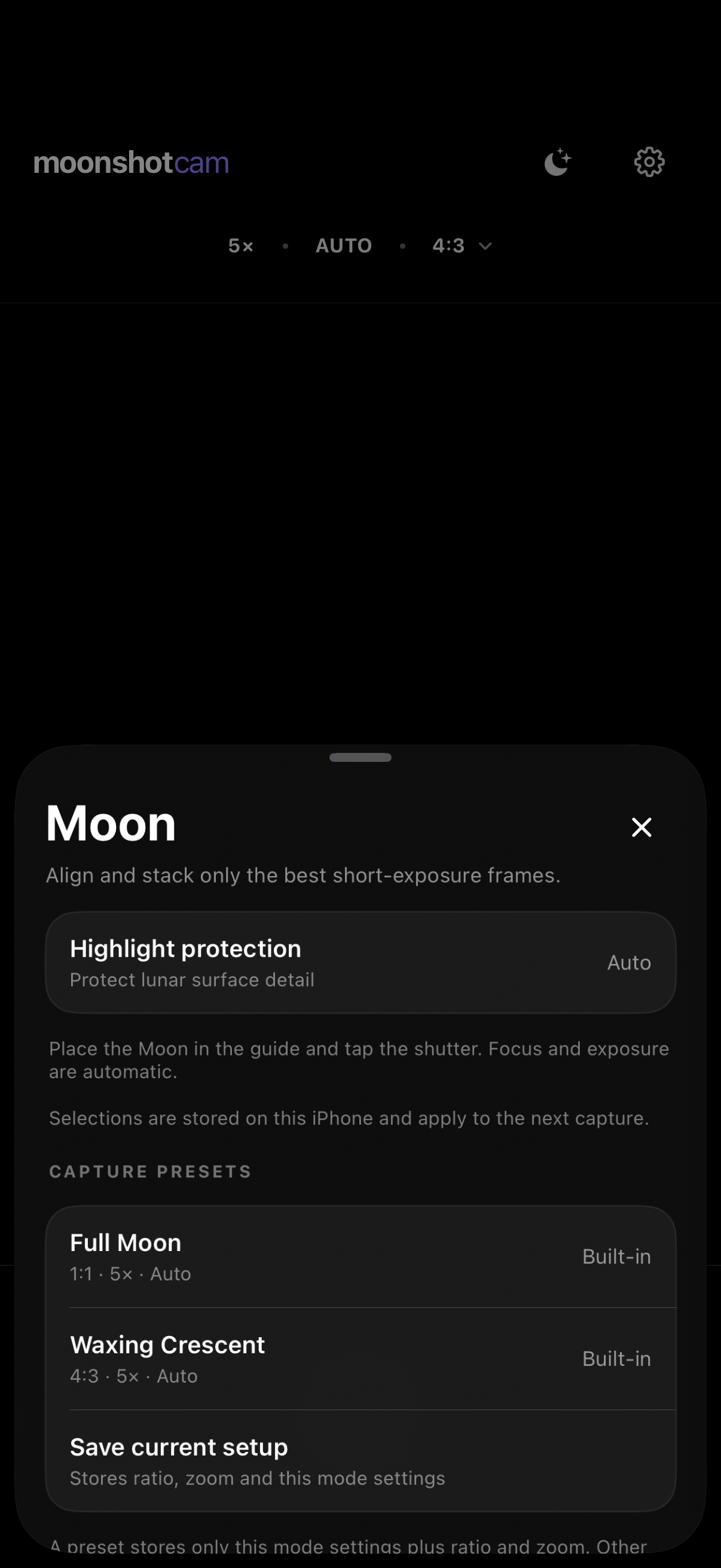
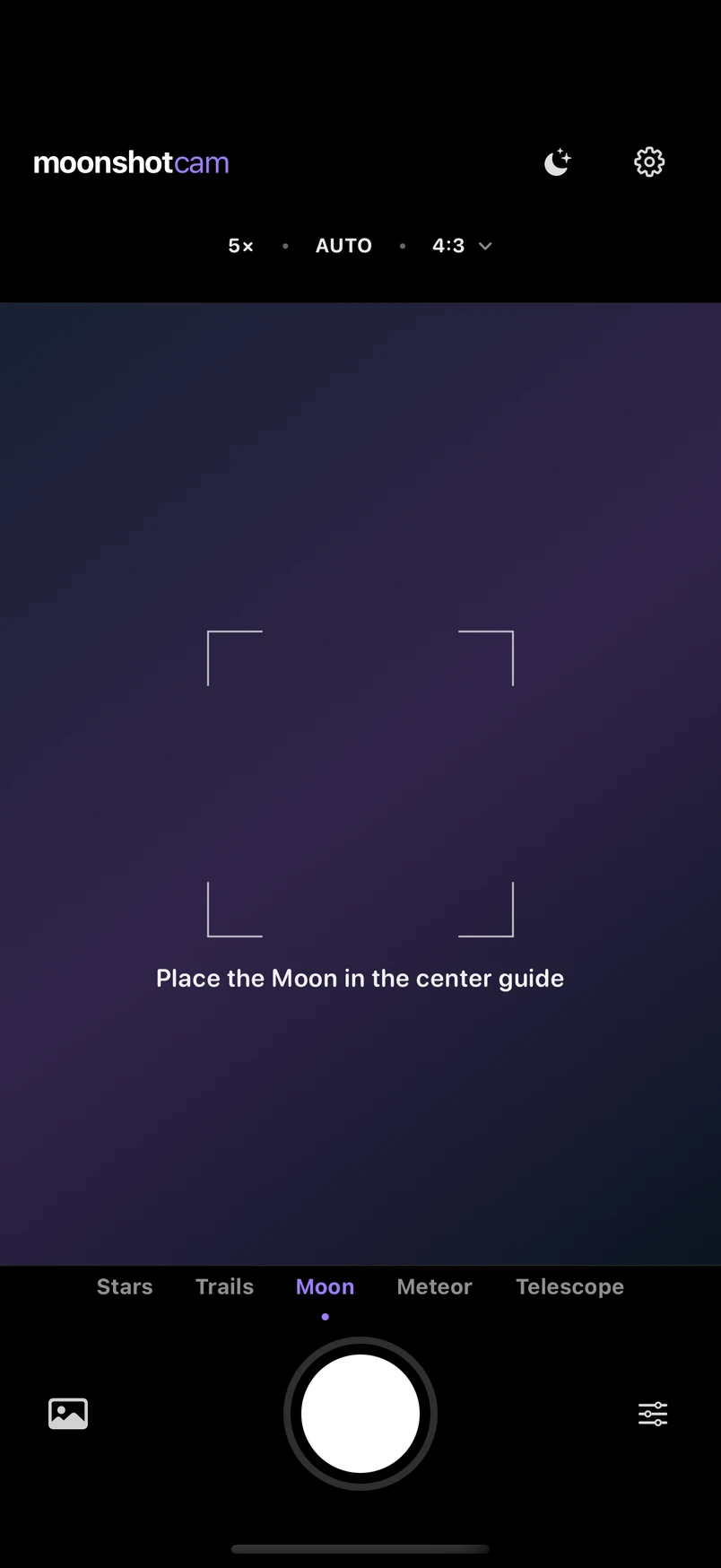
These are localized screens from Moonshot Cam itself—not concept renders or generated interface art. Select a view to inspect the current product surface.
Inside the app
Moon mode keeps guidance, lens, exposure, ratio, and shutter controls on one focused capture surface.
Capture modes
Choose a mode to see the real product surface and the decisions it handles.
Selected short exposures are aligned and combined automatically, while the framing guide helps keep the Moon where it belongs.
The capture flow
Moonshot keeps the technical choices visible without turning the camera into a control panel.
Moon, stars, trails, meteor, or telescope—the target determines the capture plan.
Guides, stability feedback, remaining time, and mode-specific checks stay close to the shutter.
See the result, compare stages, and keep the useful capture data with the photograph.
Focus & composition
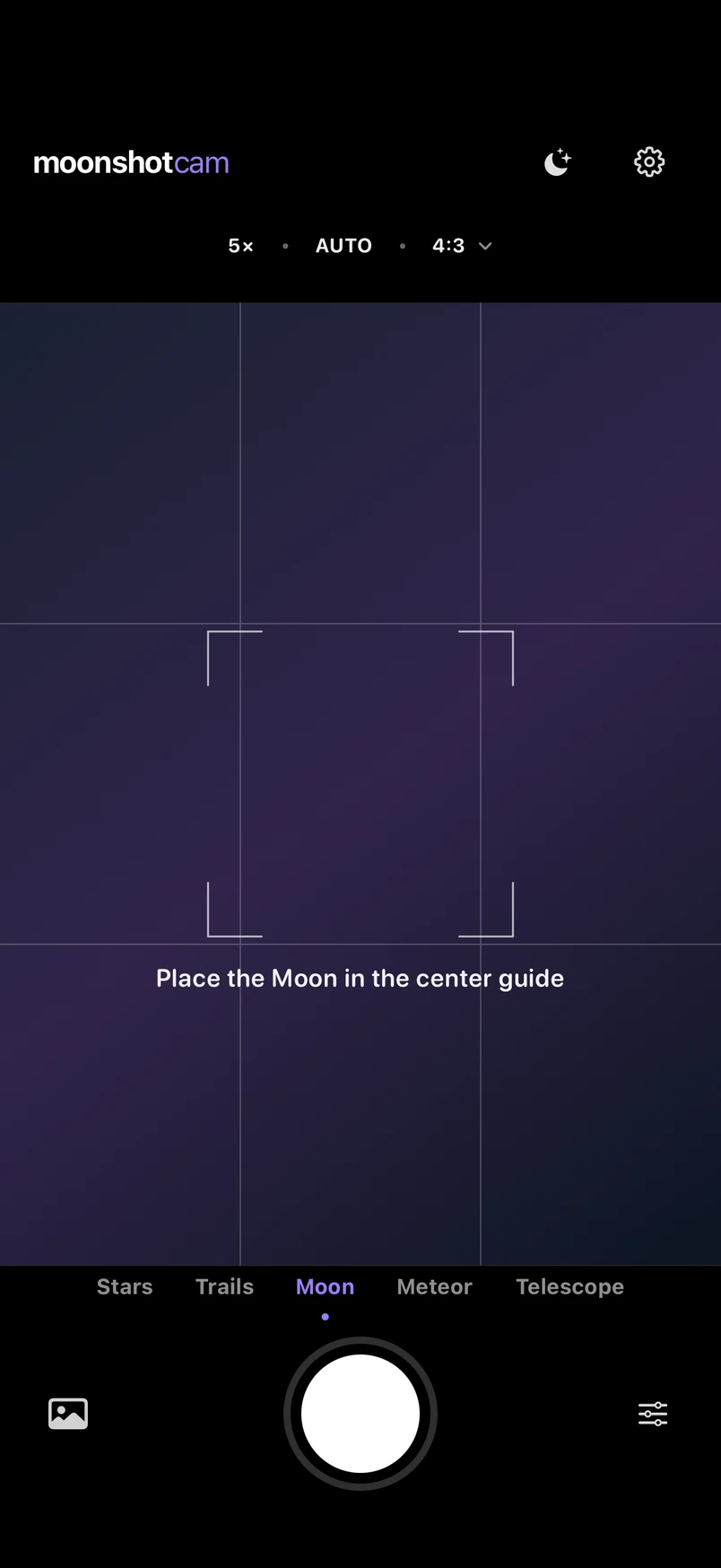
Hold and drag the focus guide onto your subject. Turn on the composition grid and it can settle onto a nearby thirds intersection.
Natural by design
“Use the frames you captured.
Never invent the sky you didn’t.”
Frame selection, alignment, compositing, and tone work run on the device. There is no developer account system.
The app can select, align, stack, and tone real frames. It does not draw craters, stars, or meteors that were not captured.
Optional private iCloud sync covers journal metadata and small thumbnails—not finished photo originals.
Moonshot Cam for iPhone
Every capture mode is included. No app account or purchase is required.